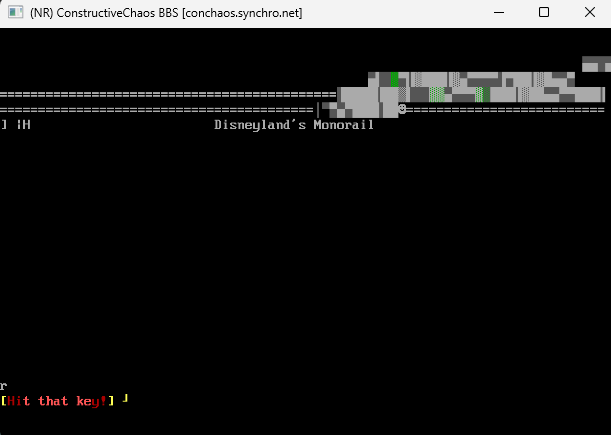
I just noticed this really weird behavior with console.printfile recently. I am not sure when it started, but I'm currently running 3.21dd master/b3cec4b69 Mar 07 2026 01:38.
Video of the problem: https://conchaos.synchro.net/media/printfile-example.mp4
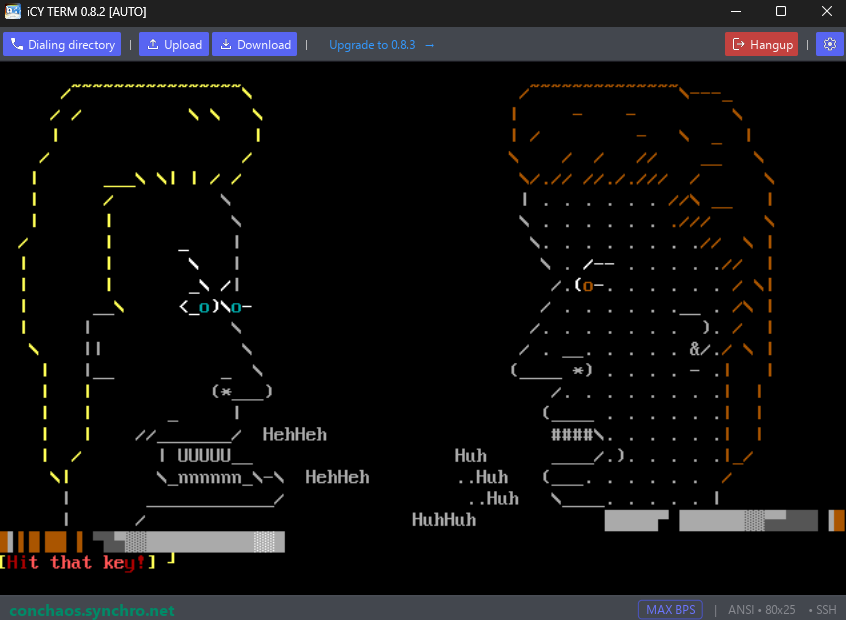
As the video shows, occasionally when using console.printfile to play a file containing cursor movement sequences, it will display data from... someplace other than the file intended. In the video, it seems to be from recently read messages. Other times, it's from random json data files in my web directory. It's wild.
What's even more wild is, it only seems to happen with certain files, such as these .vt animations from artscene.textfiles.com (using an archived link since it seems to be dead now):
https://web.archive.org/web/20251204152741/http://artscene.textfiles.com/vt1 00
- bevis.butthead.vt
- monorail.vt (the one shown in the video)
I'm using AnsiView in the video to demonstrate, but it happens in my own scripts that use console.printfile as well.
If I open the file using the File class and use console.putmsg to output the contents, then it shows normally and the problem never happens.
Could console.printfile be recalling recently accessed memory that isn't getting closed? I dunno what else to think..
- bevis.butthead.vt
- monorail.vt (the one shown in the video)
Could it be an issue with the clien/terminal side?
I guess it's possible, though console.printfile() is really a thin wrapper around putmsg(). Can you update to at least the latest release (v3.21e) of sbbs and also try with different terminal/clients?
Could it be an issue with the clien/terminal side?
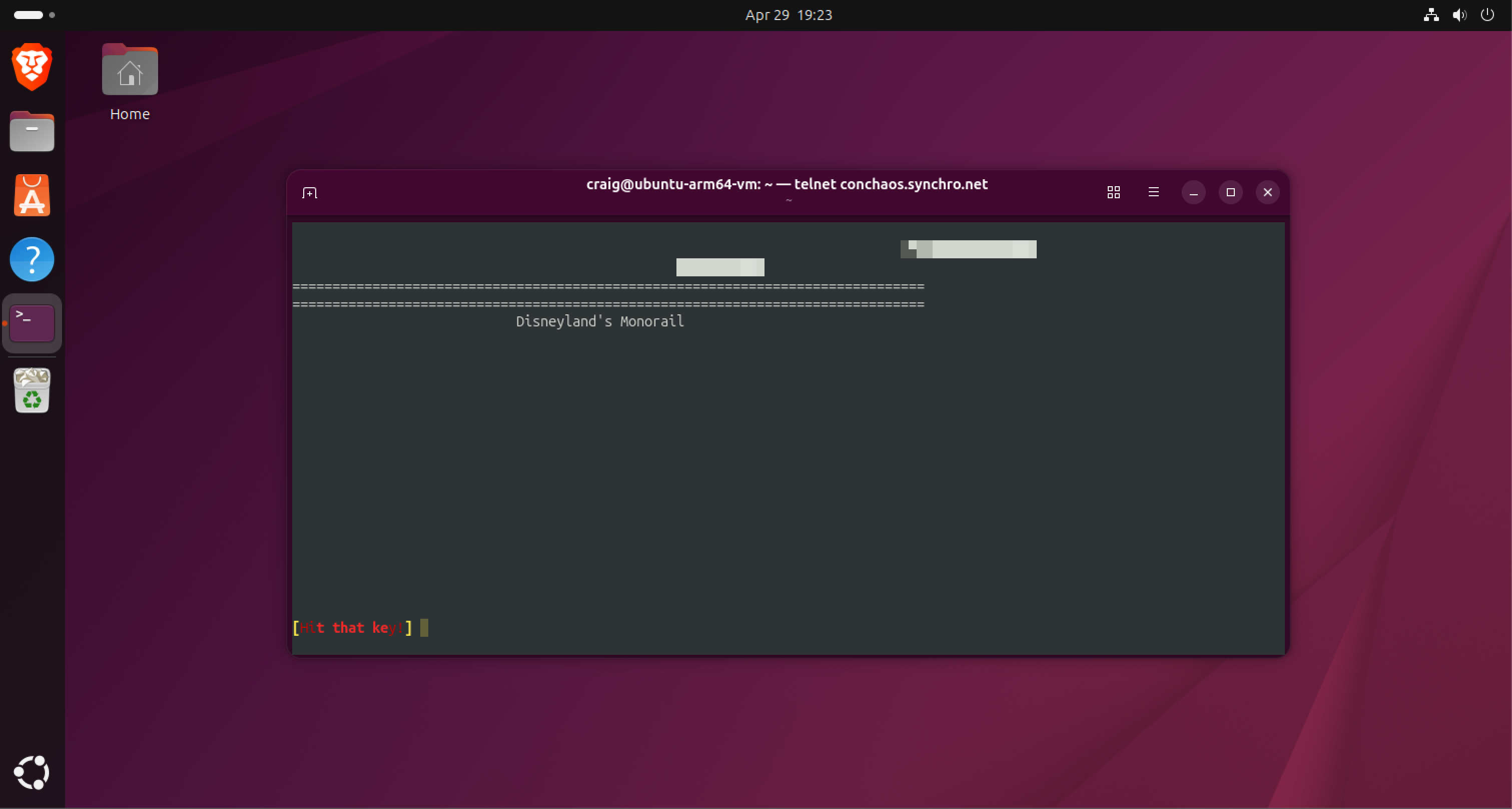
Doesn't appear so. It's repeatable in Netrunner:
https://conchaos.synchro.net/media/printfile-example-2.png
https://conchaos.synchro.net/media/printfile-example-4.png
I think this definitely points to something server-side.
Will try that upgrade now, just wanted to try from as many wildly different clients as possible first.
Cool. I did some file compares and don't see any changes to the underlying printfile() and putmsg() C++ functions between git-sha 3bcec4b69 and the sbbs321e release. So I wouldn't be surprised if the problem persists after you update to either v3.21e or the current development version (3.22a), but do please let me know.
Also, to simplify matters, can you test using a general text file section or by just invoking console.printf() directly (e.g. via the ;eval sysop command)? That way we're testing the same way. I've not been able to reproduce the symptom you describe/demonstrate using those methods.
Re: console.printfile displaying unexpected data
By: Digital Man to Codefenix on Wed Apr 29 2026 05:39 pm
Cool. I did some file compares and don't see any changes to the underlying printfile() and putmsg() C++ functions between git-sha 3bcec4b69 and the sbbs321e release. So I wouldn't be surprised if the problem persists after you update to either v3.21e or the current development version (3.22a), but do please let me know.
Issue indeed persists after the upgrade.
Also, to simplify matters, can you test using a general text file section or by just invoking console.printf() directly (e.g. via the ;eval sysop command)? That way we're testing the same way. I've not been able to reproduce the symptom you describe/demonstrate using those methods.
Sure thing, I added the files to general text files and played them there. Same thing happens.
The problem is intermittent, so it may take several tries before the hallucinations begin. :) I used AnsiView in my initial demonstration since it optionally slows down animations, but I was able to see the unexpected characters appear when played through the general text file area as well.
I haven't been able to reproduce the problem myself. Could you experiment with a couple of things to help me narrow it down?
1. Add 'mode = P_OPENCLOSE' to the first line of your data/text/*.ini file (for the general text file section you're using to display these .vt files).
Re: console.printfile displaying unexpected data
By: Digital Man to Codefenix on Thu Apr 30 2026 11:15 am
I haven't been able to reproduce the problem myself. Could you experiment with a couple of things to help me narrow it down?
1. Add 'mode = P_OPENCLOSE' to the first line of your data/text/*.ini file (for the general text file section you're using to display these .vt files).
Seems fixed by adding P_OPENCLOSE. Tried spamming both files multiple times in succession with this mode on, and haven't yet seen any weird data appear.
Then I turned it back off and saw it reappear on the first try.
I also tried adding P_OPENCLOSE to the console.printfile calls, and it similarly seems to have fixed it.
I'll report back if I see it resurface.
Well I'd like to fix the P_OPENCLOSE mode bug. If you disable the P_OPENCLOSE mode, but increase the PRINTFILE_MAX_LINE_LEN value in prinfile.cpp (e.g. to values bigger than your largest .vt file) and recompile, does that similarly make the problem go away?
| Sysop: | Jacob Catayoc |
|---|---|
| Location: | Pasay City, Metro Manila, Philippines |
| Users: | 5 |
| Nodes: | 4 (0 / 4) |
| Uptime: | 493851:53:49 |
| Calls: | 146 |
| Files: | 547 |
| D/L today: |
6 files (97K bytes) |
| Messages: | 76,953 |